ServeMon
Can't connect to local MySQL server through socket vs TCP on 3306
The MySQL client treats the host name localhost (or no host at all) specially: it connects through the socket file, not the network. Every other host name, including 127.0.0.1, uses TCP. Two errors follow from that:
- Can't connect to local MySQL server through socket '/tmp/mysql.sock' (2): the socket file does not exist, so no native MySQL is running, or it is running with a different socket path.
- Can't connect to MySQL server on '127.0.0.1:3306' (61): nothing is listening on the TCP port.
Check both
mysqladmin -h 127.0.0.1 -P 3306 ping
ls -l /tmp/mysql.sock
mysql -u root -S /tmp/mysql.sock -e 'SELECT VERSION();'
mysqld is alive from the first line means TCP works. The second line shows whether the socket exists; the third connects through it explicitly. If TCP works and the socket does not, the server is in Docker or bound to a different socket path. If the socket works and TCP does not, the server has skip-networking set or binds another address.
Homebrew MySQL
brew services list
brew services start mysql
tail -n 50 /opt/homebrew/var/mysql/$(hostname -s).local.err
Homebrew's MySQL creates /tmp/mysql.sock when it starts, keeps its data in /opt/homebrew/var/mysql, and reads /opt/homebrew/etc/my.cnf (Intel Macs: /usr/local). The error log is inside the data directory, named after the machine; ls /opt/homebrew/var/mysql/*.err finds it if the name above is off. Ask a running server where its socket really is:
mysql -h 127.0.0.1 -u root -p -e "SHOW VARIABLES LIKE 'socket';"If that path is not /tmp/mysql.sock, either pass it with -S or put socket= under [client] in my.cnf. mysql --help | grep -A1 'Default options' lists the config files the client reads, in order.
Docker MySQL has no host socket
docker ps --filter publish=3306
mysql -h 127.0.0.1 -P 3306 -u root -p
A MySQL container creates its socket inside the container's filesystem. On the Mac there is no /tmp/mysql.sock, so mysql -u root with no host fails every time even though the database is fine. Always use -h 127.0.0.1 (not localhost) and the published port. The same applies to app connection strings: mysql://root@localhost/app reaches for a socket in most drivers; mysql://root@127.0.0.1:3306/app uses TCP.
Both at once
If Homebrew MySQL and a MySQL container are both running, mysql -u root talks to Homebrew through the socket while your app on 127.0.0.1:3306 talks to whichever one bound the port first. Migrations land in one database and the app reads the other. lsof -nP -iTCP:3306 -sTCP:LISTEN shows who owns the port: mysqld is Homebrew, com.docker.backend is Docker Desktop.
Make localhost mean TCP
mysql -h localhost --protocol=TCP -u root -p--protocol=TCP overrides the socket rule for one command. To make it permanent for the command-line client, put protocol=tcp under [client] in ~/.my.cnf. Language drivers have their own knob (most take a host of 127.0.0.1, some a socketPath or unix_socket option); the pattern is the same: a socket path connects to the file, anything else connects over the network.
Check it worked
mysqladmin -h 127.0.0.1 -P 3306 ping && mysqladmin -S /tmp/mysql.sock pingTwo mysqld is alive lines mean both paths reach a server. Run SELECT @@port, @@socket, @@datadir; through each to confirm they are the same server.
MariaDB
Homebrew's mariadb formula behaves the same way: /tmp/mysql.sock, data in /opt/homebrew/var/mysql, and brew services start mariadb. The two formulas cannot both be started, because they want the same socket, port, and data directory. If SELECT VERSION(); comes back with MariaDB in it and you expected MySQL, that is the server you are actually running.
The easier way
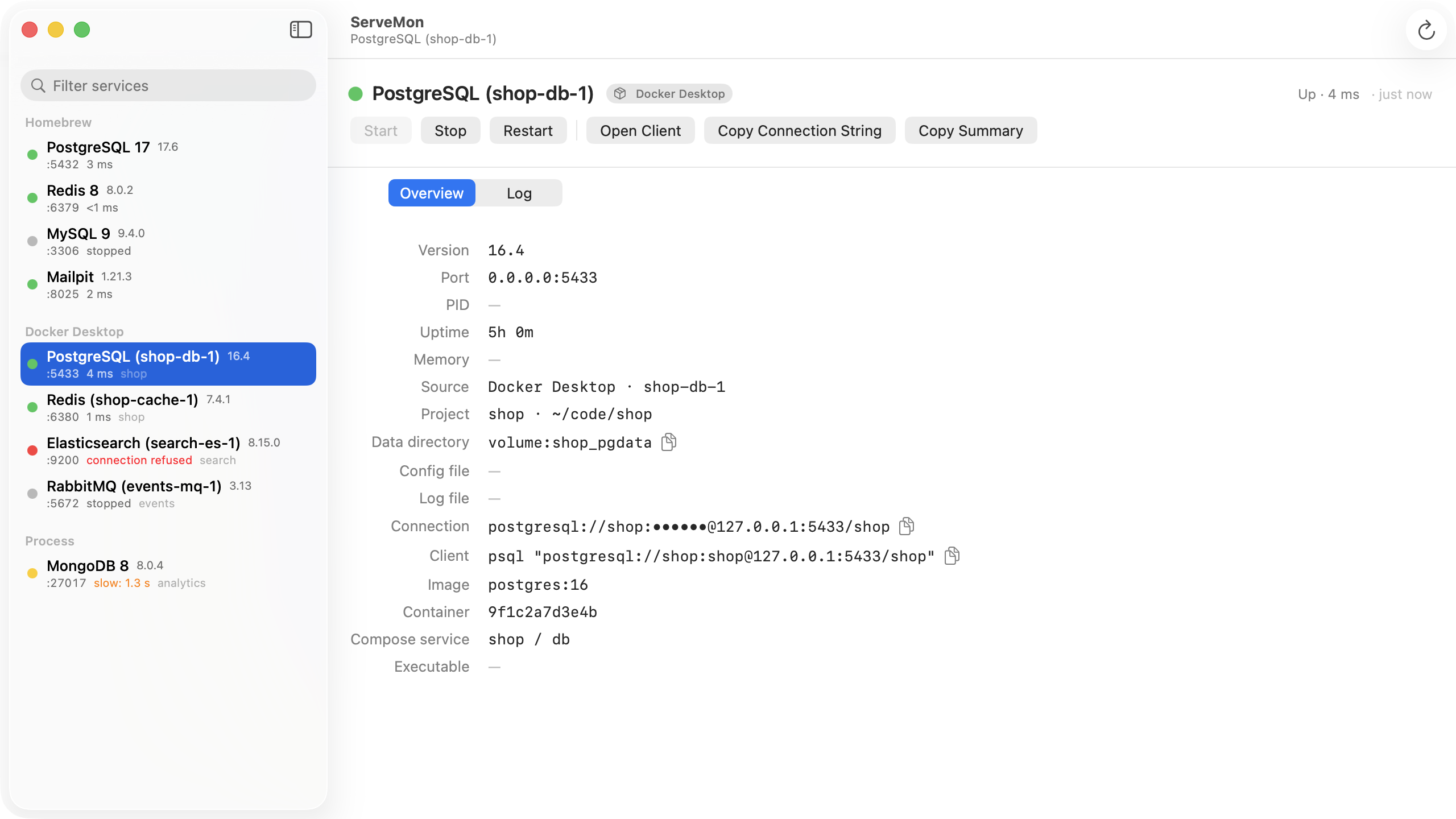
ServeMon lists each MySQL and MariaDB with its source badge, port, bind address, socket-less or not, and a dot that comes from reading the real handshake packet. Open Client launches mysql in Terminal already pointed at the right host and port, so socket-versus-TCP never comes up.